
QR asset checkout: track individual items and their return
Scanning a code should identify the actual item, not just its product name. Record who has it, what was returned and its condition.
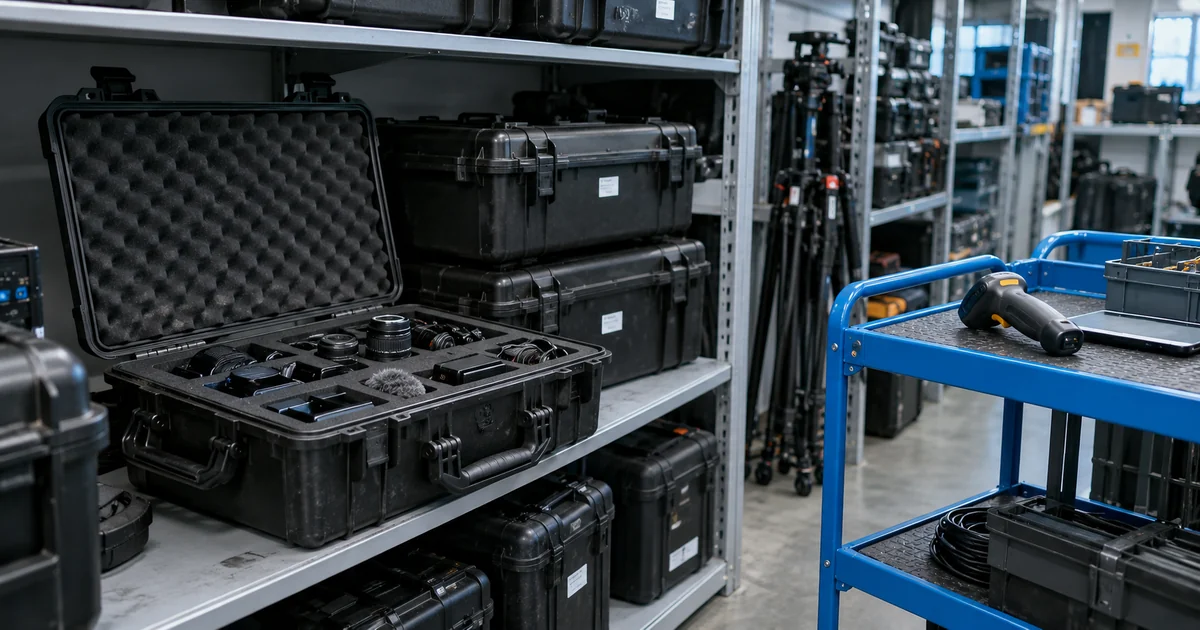
The workflow illustrates a possible design and is not a client case study.
- Identify asset
- Record handoff
- Confirm return
Tell identical items apart
Several identical devices may share a product name but have different borrowers and histories. A QR code is only an entry point to that record. Decide which items need individual tracking, which are consumables and who may transfer or return them.
Check existing asset-management tools
Try a scanning and inventory product such as Sortly with your actual items. Check transfers, kits, approvals and any billing rules. Build extra features only where the available workflow cannot represent the way staff borrow and return equipment.
Record checkout, handoff and return
Give each tracked asset its own code. Record checkout, transfer, return and condition, with overdue items visible to staff. Replacing a lost label must preserve the item’s existing history.
Compare scan records with physical stock
Try two people borrowing the same item, a wrong scan, partial return of a kit and damaged equipment. Compare the records with a physical stocktake. A successful scan alone does not prove that the item was returned.
Bring equipment and checkout rules
Bring the asset list, permissions, kit contents and current stocktake process. Decide how lost, damaged and unlabelled items should be handled.