
Proof of delivery: connect photos and outcomes to the right order
A photo is more useful when it identifies the order, delivered items and delivery attempt. Keep failed and partial deliveries visible too.
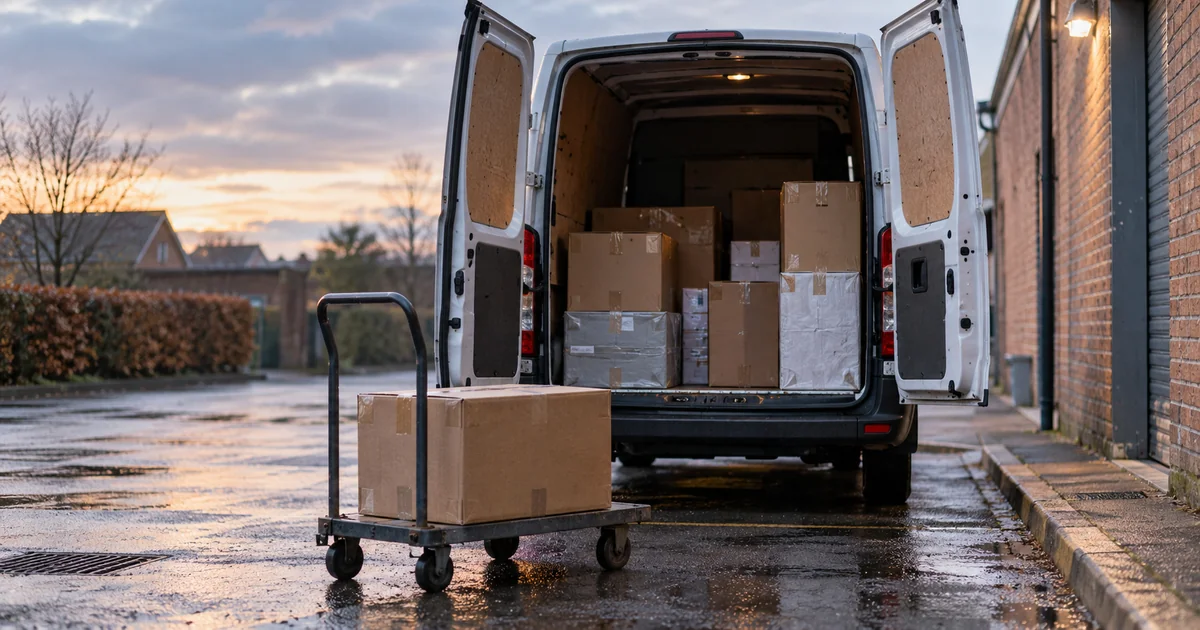
The workflow illustrates a possible design and is not a client case study.
- Receive delivery task
- Capture evidence
- Return outcome
When a delivery photo cannot be matched
A photo in a chat may not show which order it belongs to, which items arrived or whether it was the first delivery attempt. Partial deliveries, an absent recipient and address changes need their own outcomes. Staff need the context to handle later enquiries.
Check existing proof-of-delivery features
Onfleet supports delivery photos and signatures. Test whether its records cover your orders, driver process and customer enquiries. A photo or signature can support an investigation, but does not guarantee that every dispute is resolved.
Connect delivery results to orders
Link a delivery task to its order, evidence and outcome, then update the order status. Show photos that failed to upload. Set access and retention rules, and preserve the original record when staff make corrections.
Verify partial deliveries and repeat attempts
Try partial delivery, the wrong order, redelivery and work without a connection. Check that corrections remain traceable and failed uploads can be recovered. Staff should be able to distinguish delivered, attempted and still waiting.
Bring delivery rules and disputed cases
Bring order formats, evidence requirements, driver devices and examples of delivery enquiries. Agree which people can view or amend the records.