Cake preorder systems: lead times, daily capacity, inscriptions and pickup
A standard cake, a sculpted design and a batch of cupcakes need different preparation even when all are due on Saturday. Connect product lead times, baking and decorating capacity, inscription versions and pickup slots so customers, order staff, bakers and the counter share one order record.
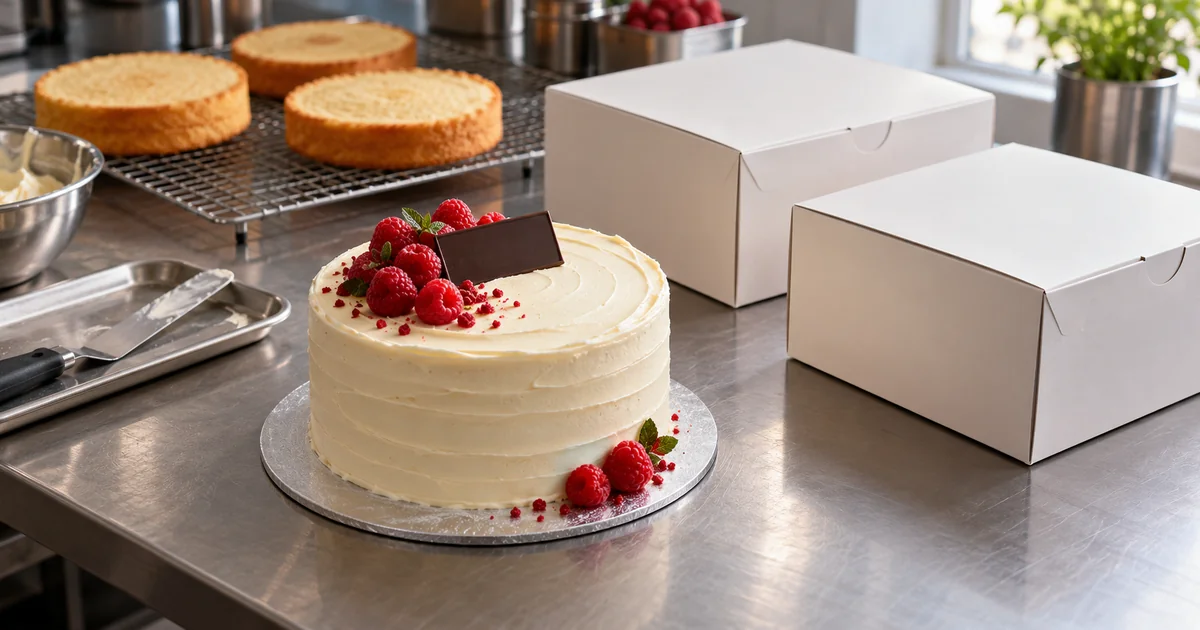
A customer chooses a cake, adds “Happy birthday” and selects Saturday afternoon pickup. Behind those few fields are several decisions: how much notice does this product need, is decorating capacity already full, which inscription version is approved, and is this a catalogue design or a bespoke enquiry?
Hong Kong’s DECI PASTRY publishes preorder, inscription and manual-confirmation rules. Sweet Secrets distinguishes standard and bespoke cake lead times and collection arrangements. These are individual shop policies. The following design example is for a bakery offering catalogue cakes, bespoke designs and cupcakes.
DECI PASTRY — Ordering, collection and allergen FAQ · Sweet Secrets — Standard and bespoke cake FAQ
One order, four working views
Customer choices can flow directly into order review, production and collection views. Each role gets the information needed for its work: bakers need the agreed specification, while counter staff need the final inscription and handover details rather than a long design conversation.
- Customer: choose design, size, flavour, quantity, inscription and pickup location, then view eligible dates and order status.
- Order staff: enter phone or message orders, review bespoke enquiries, manage quote versions, verify payments and handle changes.
- Baking and decorating staff: see quantities and sizes by production day, required decorations and approved inscriptions, then update each stage.
- Counter staff: see upcoming collections, package locations, verified payment status and authorised collection arrangements before handover.
Lead times belong to products, with cutoffs and closed days
Product settings can assign lead times by design, size or quantity and specify calendar days or production days. A shop might choose three production days for a standard cake, seven for a complex design, with orders after 3 pm counted from the next production day. These are illustrative settings, to be decided from the shop’s actual process.
Recalculate the earliest collection date after a size, quantity or product change. Account for closed days, holiday cutoffs and suspended ordering dates. For a mixed basket, offer a common collection date when every item can be ready; separate collections need separate arrangements. Square’s official documentation also provides item-level preparation times.
Daily capacity depends on both product and production stage
A limit of twenty orders per day is too coarse: one order could contain one cake or sixty cupcakes. Start with daily quantities by product, then add shared constraints such as oven batches, decorating hours or chilled storage space. A day might allow twelve standard cakes and four sculpted cakes, while still checking their combined decorating workload. These quantities and limits are shop-defined examples.
Allocate work to the days it actually happens: a Saturday collection may require Thursday baking and Friday decorating. Reserve capacity on those days and show confirmed, temporarily held and remaining quantities. Staff-entered orders use the same pool. When two customers request the final production place, only one reservation should succeed.
Confirm standard products automatically; review bespoke work first
A standard product has a defined price, allowed options and production requirement, so availability can be confirmed immediately when lead time, capacity and pickup checks pass. If payment is required for final confirmation, hold both production and collection capacity for a limited period, then confirm on a verified payment result. A transfer screenshot can remain pending verification. Expired holds are released; late payment results go to staff instead of overfilling the schedule.
For bespoke work, collect servings, reference images, design requirements and the requested date, then display “Enquiry received; not yet confirmed.” Order staff and the baker review feasibility, materials and time before issuing a versioned quote with an expiry. State whether capacity is held and until when. Create the production order only after design and quote acceptance, staff scheduling approval and any required payment verification. A design change triggers a fresh quote and capacity check.
Preserve the exact inscription and route dietary requests for review
Set inscription languages, length and supported symbols to suit the plaque or cake surface. Show the full text before submission and preserve spelling, case, punctuation and line breaks; do not silently translate or correct names. The production sheet carries the customer-approved version, approval time and later changes. A decorator can mark the inscription checked. A text-layout preview should not imply an exact replica of the handwritten finish.
Product pages can separately display shop-verified ingredients, allergen information and shared-kitchen cross-contact notices. Record allergy or dietary requests as written and route them to designated staff for a decision on whether the order can be accepted. An ingredient-omission checkbox is not an allergen-free guarantee. This record supports communication; it does not replace the bakery’s food-handling judgement.
From production sheets to scheduled handover
After confirmation, a baking sheet can group quantities by date, flavour and size, while decorating sheets retain each order’s design, inscription and image version. Mark an order ready only after its baking, decoration, inscription check and packing stages are complete. A box order number can link to its storage position. Exported or printed sheets carry their creation time so staff can recognise an outdated copy.
Set pickup slots against counter capacity, such as a shop-defined number of handovers per half hour, separately from kitchen production capacity. Square also documents a distinct order limit per pickup window. A customer notification can include the location, confirmed slot, order number and shop-provided storage instructions. At collection, verify the order or pickup code and record the handover time and staff member. Prevent duplicate collection of the same order.
Square — Set up pickup options for your online ordering profile
Keep changes and disruptions visible until resolved
Keep a requested change separate from an accepted change. Preserve the original commitment until staff confirm the replacement arrangement. If production staff need to review it, show that review as pending and notify the person responsible. Record what changed, who approved it and when it takes effect.
- Name change after inscription: flag that the original is already made, agree whether and how it can be replaced, then issue a new approved version and retire the old instruction.
- Reschedule or cancel: check work already started and capacity on the proposed date, then apply the shop policy shown when ordering. Release only capacity that can actually be reused; cancelling a finished cake does not turn it back into ingredients.
- Ingredient shortage, equipment failure or weather disruption: pause affected products and dates, then list confirmed orders needing contact. Get customer agreement to alternatives or new dates and track failed notifications, early arrivals and missed pickups.
Adapt the workflow to studios, branches and seasonal batches
A preorder-only studio can offer fixed weekly collection days and batch quantities. A central kitchen serving several branches can share production capacity while keeping separate pickup limits and branch-transfer records. Cupcakes or seasonal gift boxes may use minimum quantities per flavour, batch multiples and order deadlines. If existing payment or shop tools remain suitable, confirmed orders can feed the production schedule and receive completion and ready-for-pickup updates.
Before paying, walk through a cake order in a Demo
ProApp offers a Demo before payment. For this type of system, bring two standard products, one bespoke design brief and the shop’s actual lead-time and collection rules as inputs for a walkthrough. The following scenarios help customers, order staff, bakers and counter staff see what information they share and where human confirmation is needed.
- Choose a standard cake, switch to one with a longer lead time and check the dates change. Use the final production place and confirm that the next order is offered other dates.
- Submit a bespoke image and brief and check that it remains an enquiry. Walk through the quote, production approval, customer acceptance and required payment verification before production.
- Approve an inscription mixing Chinese and English, then request a change. Compare the customer, decorating and counter views for the same approved version, and try a dietary request awaiting review.
- Complete decoration and packing and issue the ready notice. Try a pickup-slot change, an authorised collector and a reused pickup code to check the counter has a clear next step.