Visitor registration: from invitations and arrival alerts to returning a badge
A guest arrives while their host is on another floor. Connect invitations, check-in, pickup confirmation and departure so reception knows who is waiting, staff know whom to meet and visitors know what to do next.
Consider a company with an office and a showroom: a customer comes to see samples, a candidate arrives for an interview and a contractor visits later. Reception may have only a few emails to work from. A changed appointment, an absent host or an unreturned badge then becomes another conversation to track down.
This is an established software category. Ricoh Hong Kong lists advance registration, touchless sign-in and bulk visitor import; Envoy documents arrival notifications and several sign-out methods. The following is a proposed company-specific workflow, showing the screens each person would use from invitation to departure.
Ricoh Hong Kong — Visitor Management · Envoy — About notifications · Envoy — How to sign out visitors
Staff send invitations; reception sees today’s arrivals
The host creates a visit with a date, time window, location, guest name and necessary contact details, choosing a type such as customer, candidate or contractor. A time-limited registration link can include the address, floor, directions and arrival contact. Rescheduling or cancellation also updates the old invitation’s status.
Reception’s daily list can show expected, waiting, met and departed visitors by time and location. A group may share an appointment, but each person keeps an individual arrival and departure record. Checking in three people from a group of five should not mark all five present. No-shows never enter the on-site count.
Confirm essentials at arrival, with a separate walk-in route
Guests can open their invitation on a phone or have reception scan its code, confirm their name, company and host, then review relevant visit instructions. The code retrieves an appointment; it does not by itself establish identity or authorize entry. Where a staff check is required, the visit remains pending until reception or security completes the agreed process.
A walk-in route lets reception confirm the intended host before creating a visit. A public tablet should not expose everyone’s phone number or other visitors’ details. Reception can assist someone with a flat phone battery, difficulty reading the screen or another access need, recording who helped and when. Completion returns the kiosk to its welcome screen.
After sending an alert, record who will meet the guest
An arrival alert can give the host the location and actions such as “On my way” or “Ask a colleague to meet them.” Reception sees waiting time, the last alert and the response. If nobody acknowledges within the company’s chosen interval, a backup contact takes over. Successful email delivery alone must not mark the guest as met.
Email, Teams or Slack can use the company’s existing accounts, subject to their actual permissions. Envoy’s Teams front-desk documentation, for example, describes failures caused by app policies. A custom workflow can put failed alerts in reception’s action queue, with a retry or telephone fallback that retains the same visit reference.
Match badges to visits and confirmed departures
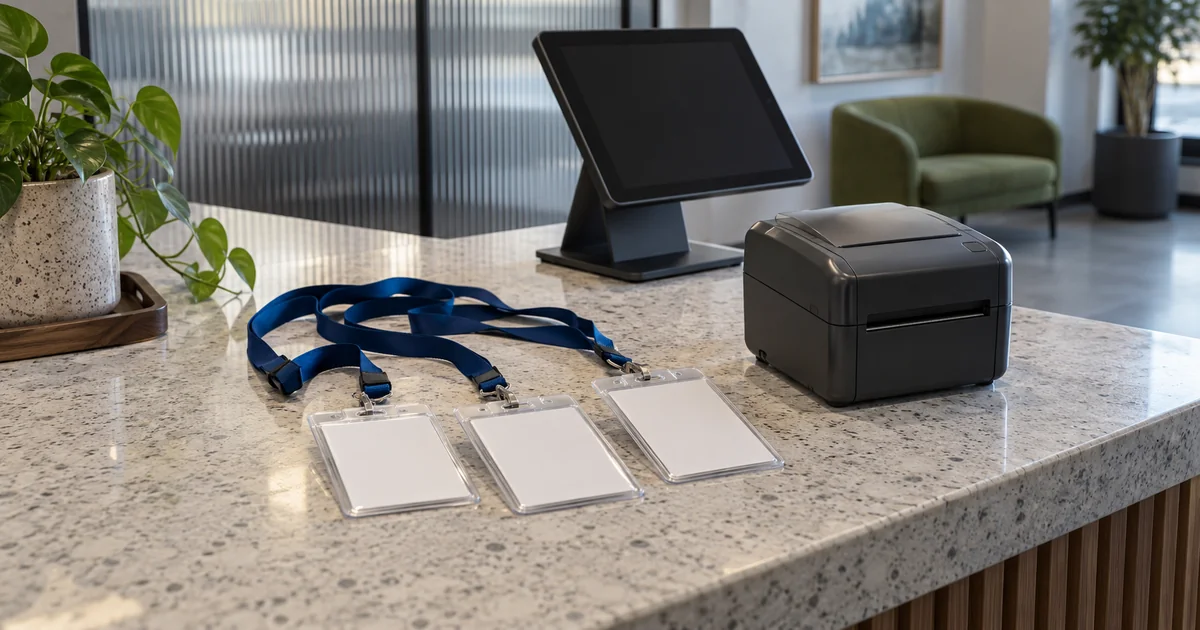
After entry is cleared, reception can print a daily label or assign a numbered reusable badge to the visit. Record issue, replacement and return. An out-of-paper printer should leave registration intact and prompt staff action; reprinting must not create another visit. If access control is connected, show allowed areas, validity and revocation results separately.
Departure can be recorded by the visitor, confirmed by the host or entered when reception collects the badge, with the method and time retained. Forgotten sign-outs enter a review queue. If a timed rule closes a record, label it “automatically closed / unconfirmed” rather than treating the expected end time as observed departure. An on-site list should show its last update and uncertainties; emergency roll calls still require checks on the ground.
Adapt the visit type without making every form longer
A showroom visit can link to a sales host and sample-viewing slot. An interview’s purpose can be visible only to the relevant recruiting staff. A contractor visit can carry a work location, site contact and documents needing prior review. Returning guests can confirm existing details while each visit remains separate. Updated instructions or documents can be requested only where relevant to that visit.
Reception needs the day’s arrival details; hosts generally need their own guests; support staff need device and notification errors. Configure retention, export permissions and deletion around the company’s purposes. During an outage, limited pending records or a manual fallback can keep reception moving, but show what is unsynced and reconcile it afterwards. Do not present stale data as live occupancy.
Before payment, try a visit where the guest arrives first
ProApp provides a Demo before payment. For a visitor system, we can agree on a walkthrough using fictional names, your actual reception roles and a typical visit. Reception, hosts and the people supporting the equipment can review what guests see and who handles each exception.
- Invite three people and check in only two; verify that reception sees two waiting guests and one still expected.
- Leave the host’s alert unanswered and hand over to a backup; then simulate a failed notification and inspect retry and manual-contact records.
- Simulate an empty printer and reprint the same badge without creating a duplicate visit; try an old invitation after rescheduling.
- Return one badge and leave another visit open; compare confirmed departure, pending review and automatic closure, and check that the kiosk cleared the previous guest’s details.
Connect one complete visit at one reception point
Bring an anonymous visitor list, current invitation wording, badge procedure and host roster. Start with invitation, arrival, notification, pickup and departure so reception can trace a guest’s current contact in one record. Add locations, access control and other equipment as needed, verifying each connection without making every visit a complicated approval process.