
Development guides / Websites and enquiries
How should a business website capture and route enquiries?
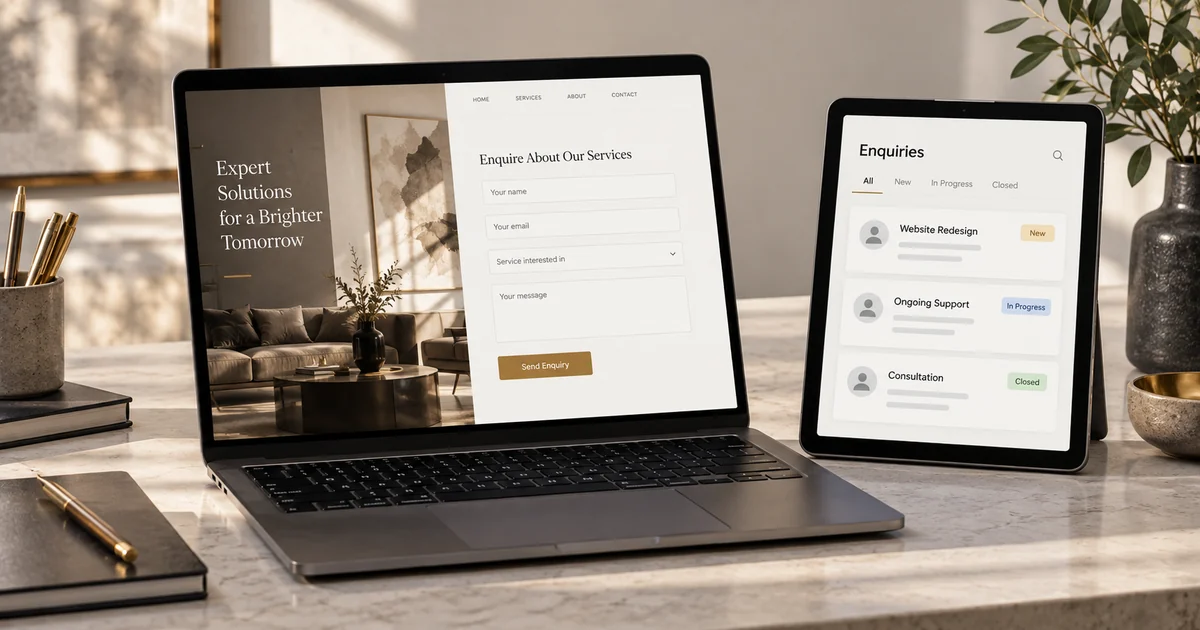
Define the action a customer should complete and who follows up afterwards. A form on a page is only one part of an enquiry workflow.
01
Where does an enquiry go after the website is built?
A business website can look polished while leaving buyers unsure what to do next: request a quote, book a service or describe a project? A generic contact button may leave staff repeatedly asking for the information they need before work can begin.
Before development, complete this sentence: “Once the customer supplies these details, this person takes the next action under these conditions.” The answer shapes page content, form fields and administration, not just button design. The quotation example below can also help you structure booking or payment journeys.
02
Choose an appropriate approach
For service information, a portfolio and basic enquiries, an existing website builder and form may be sufficient. When each enquiry needs an internal quote, approval or status tracking, also plan the administration interface and connections to existing tools.
For booking and payment, first check whether an existing platform supports your staff, time slots, deposits and rescheduling rules. Consider custom work when those rules do not fit or data must move between systems. Include ongoing website, booking and payment service costs in the comparison.
03
Scope a concrete example
The example below illustrates an approach. It is hypothetical, not a client case study or a claim of delivered results.
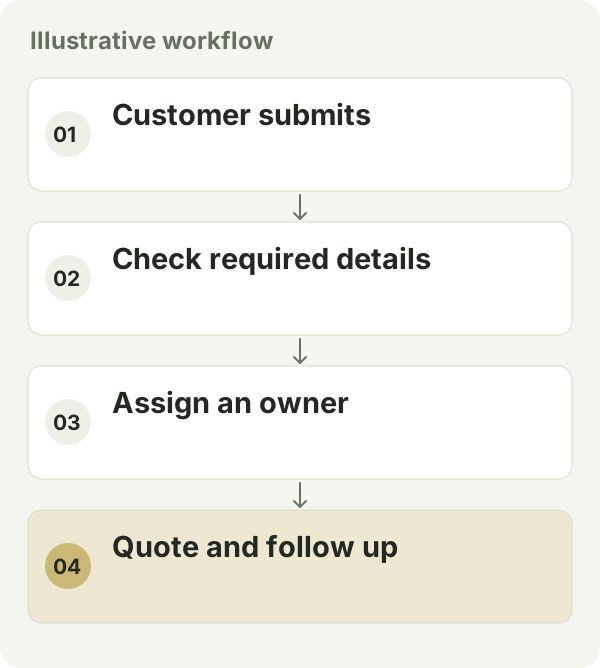
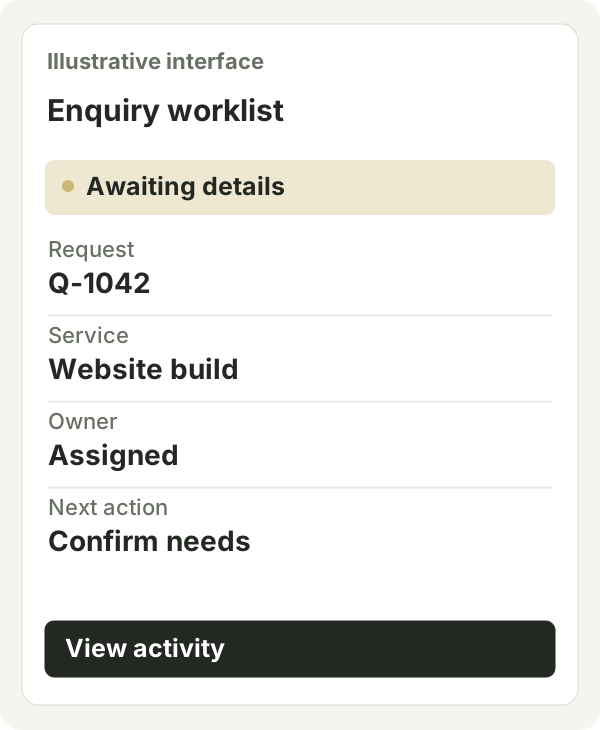
Suppose a service business needs quotation requests. The site collects the service category and required information, creates a request number and assigns an owner. The owner checks the details and sends a quote; the customer can see its status. A failed notification leaves the request on the pending list.
04
Define delivery and acceptance
- Submit on a phone and check required fields, confirmation and request number. Repeated taps should not create confusing duplicate work.
- Check that the owner receives a notification, can find pending requests, and that unauthorised users cannot view other customers’ data.
- Hand over content editing, form-data export, account ownership and the procedure for failed notifications.
05
How should you compare cost and timing?
Compare whether quotations include content preparation, mobile layouts, content management, form handling, notifications, migration and handover. Page counts can hide the work that happens after submission. If the existing site is suitable, improving its enquiry workflow may be enough without rebuilding everything.
Timing also depends on available content, who can approve it and whether external booking or payment accounts are ready. List these dependencies before agreeing a date. After launch, assess completed enquiries, the usefulness of submitted information and whether staff can follow up reliably.
06
Prepare before starting
Prepare the service or product list, brand assets, content approver, enquiry owner and an example of a useful enquiry. If there is a launch date, identify what genuinely cannot wait. Complete the main journey first and phase other content separately.